Native desktop app for Google Tasks on Mac.
Bi-directional task syncing without the bloat. Android-friendly. No subscriptions. No browser needed ...


What Our Users Say
See how ReminderBridge helps Mac users sync Google Tasks and Apple Reminders - without subscriptions or browser tabs.
Google Tasks for Desktop Native on macOS
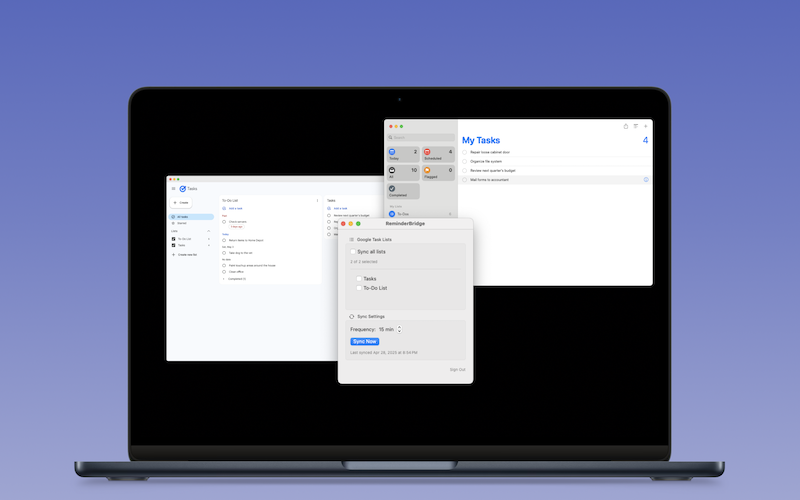
Use your Google Tasks like a real desktop app. No browser hacks. No Chrome extensions. ReminderBridge brings your Google Tasks to the macOS desktop with native syncing and full control.
- Two-way sync between Google Tasks and Apple Reminders
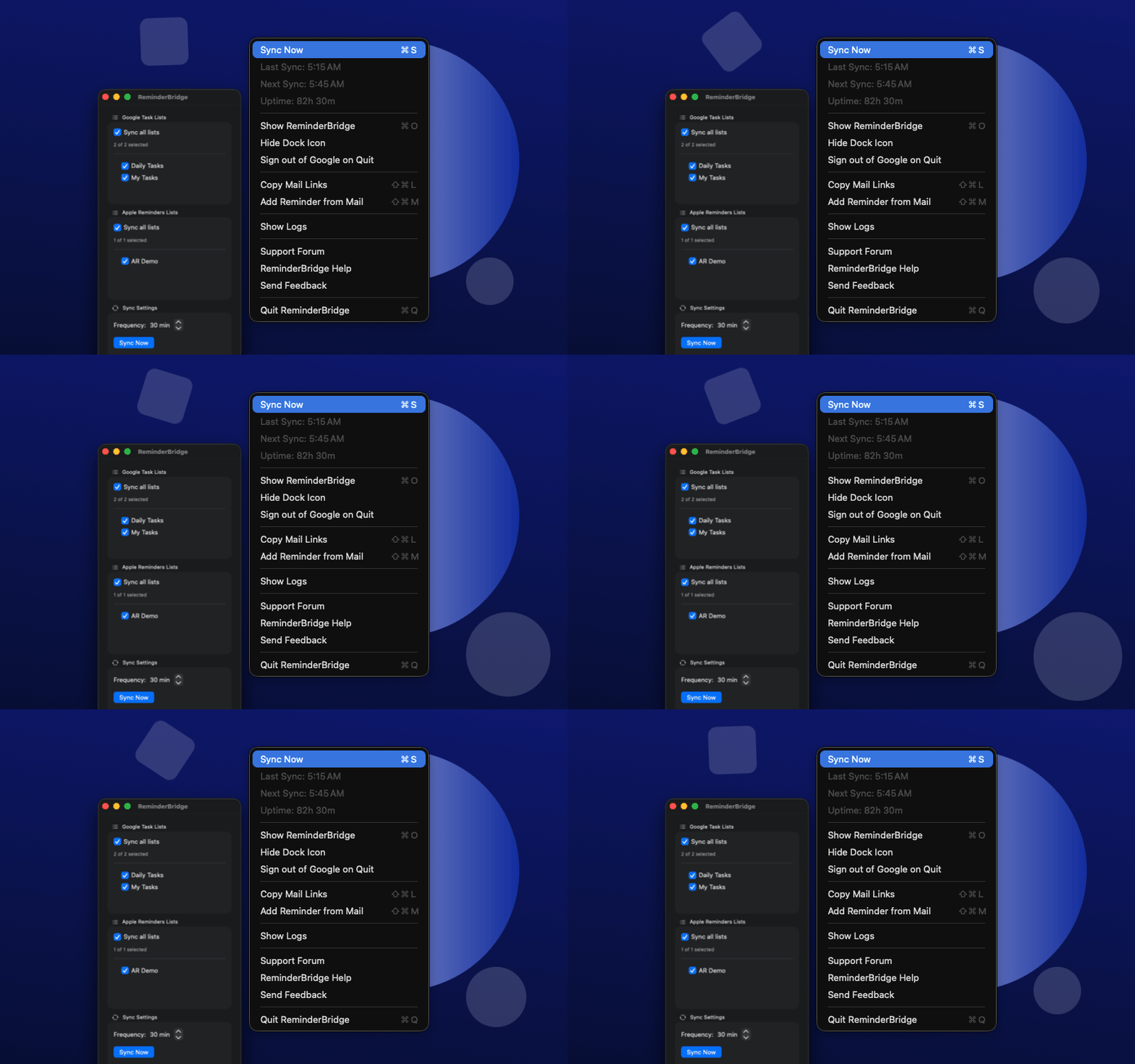
- Full control from the macOS menu bar
App Features
Start using ReminderBridge to sync tasks instantly, stay organized, and keep Google and Apple perfectly in sync — no clutter, no subscriptions.
Two-Way Sync
Tasks update instantly between Google and Apple — no manual transfers needed.
Background Sync
Lightweight app runs quietly, syncing on your schedule or on-demand.
Choose Which Lists to Sync
Full control. Only sync the lists you want across your devices.
Google Tasks That Feel Native on Apple
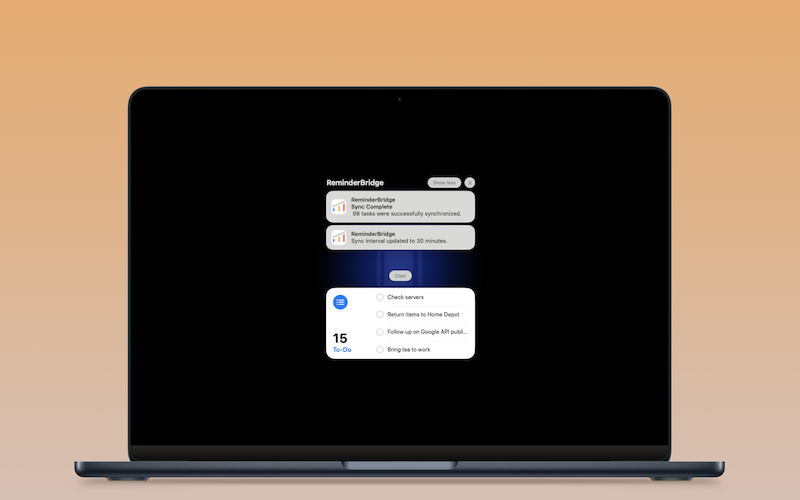
Enjoy smooth syncing, clean task lists, and quick access on Apple Watch.
Privacy-First Design
Your tasks sync directly between Google and Apple. No third-party servers. Ever.
Menu Bar App
Trigger sync, view sync status, create reminders from Apple Mail, and more — right from the macOS menu bar.
Priority Sync
Use * in Google Task titles to sync priority to Apple Reminders. Priority flows both ways— to Reminders and back. API limitations? We’ll crack it 😉
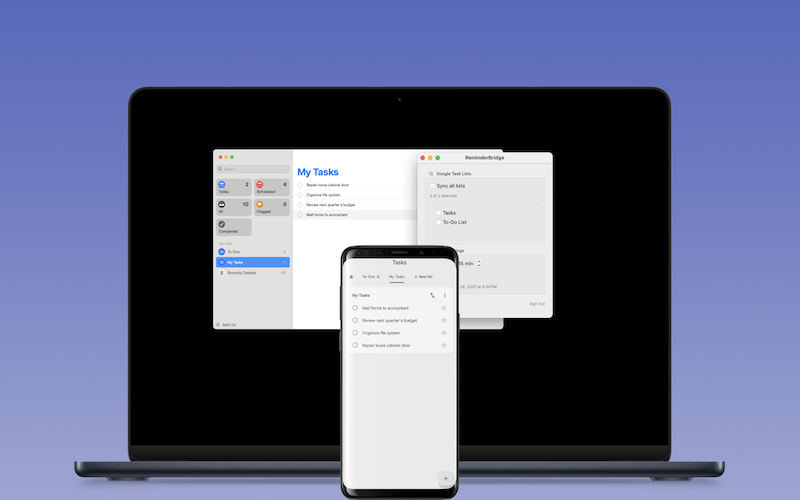
A Seamless Link Between Apple Devices and Google-Powered Workflows
Use Google Tasks as your integration engine: Asana, Gemini, n8n, Zapier, and more are all kept in sync through ReminderBridge.
Built for Mac + Android Users
Enjoy macOS Reminders while instantly accessing tasks from your Android phone.
Native MacOs Experience
No web apps. No browser tabs. ReminderBridge integrates cleanly with Apple Reminders.
FAQs
Get answers about ReminderBridge the easiest way to sync Google Tasks on macOS — how it syncs, what it supports, and why it just works without subscriptions or hassle.
ReminderBridge requires macOS 13 or later. We aim to support as many Macs as possible.
Yes — changes made in Google Tasks or Apple Reminders sync in both directions.
No. Your task data only moves between Google and Apple via your Mac. Nothing is stored externally or tracked.
No. ReminderBridge is a one-time purchase. No subscriptions, no hidden fees.
Yes. We’re committed to expanding ReminderBridge over time while keeping the core experience focused, fast, and private.
Yes. Tasks synced to Google appear on your Android device through the Google Tasks app — no extra setup required.
Yes. Recurrence rules are preserved based on the platform they originate from (Google or Apple). Recurrence indicators may differ slightly between apps.
Yes. ReminderBridge uses your Google account to access your task lists and sync them with Apple Reminders.
The most recently updated version is preserved. ReminderBridge uses timestamps to handle edits safely.
You can set it to sync every 15–60 minutes or sync manually. It runs quietly in the background.
Not at this time. We’re exploring support for subtasks while maintaining reliable sync behavior across platforms.
Just sign in with your Google account, choose the task lists you want to sync, and ReminderBridge keeps them in sync with Apple Reminders.
Yes. Tasks synced to Google from your Mac using ReminderBridge will appear on your Android device via the Google Tasks app.
Yes. ReminderBridge is a native macOS app that syncs directly with Google Tasks (gTasks) — no browser tabs or web apps required.
Yes. ReminderBridge syncs your Apple Reminders with Gmail-linked Google Tasks so your reminders stay consistent across Apple and Google platforms.
Built for macOS.
Use ReminderBridge to sync your Apple Reminders with Google Tasks. Stay organized across devices — no subscriptions, no clutter.